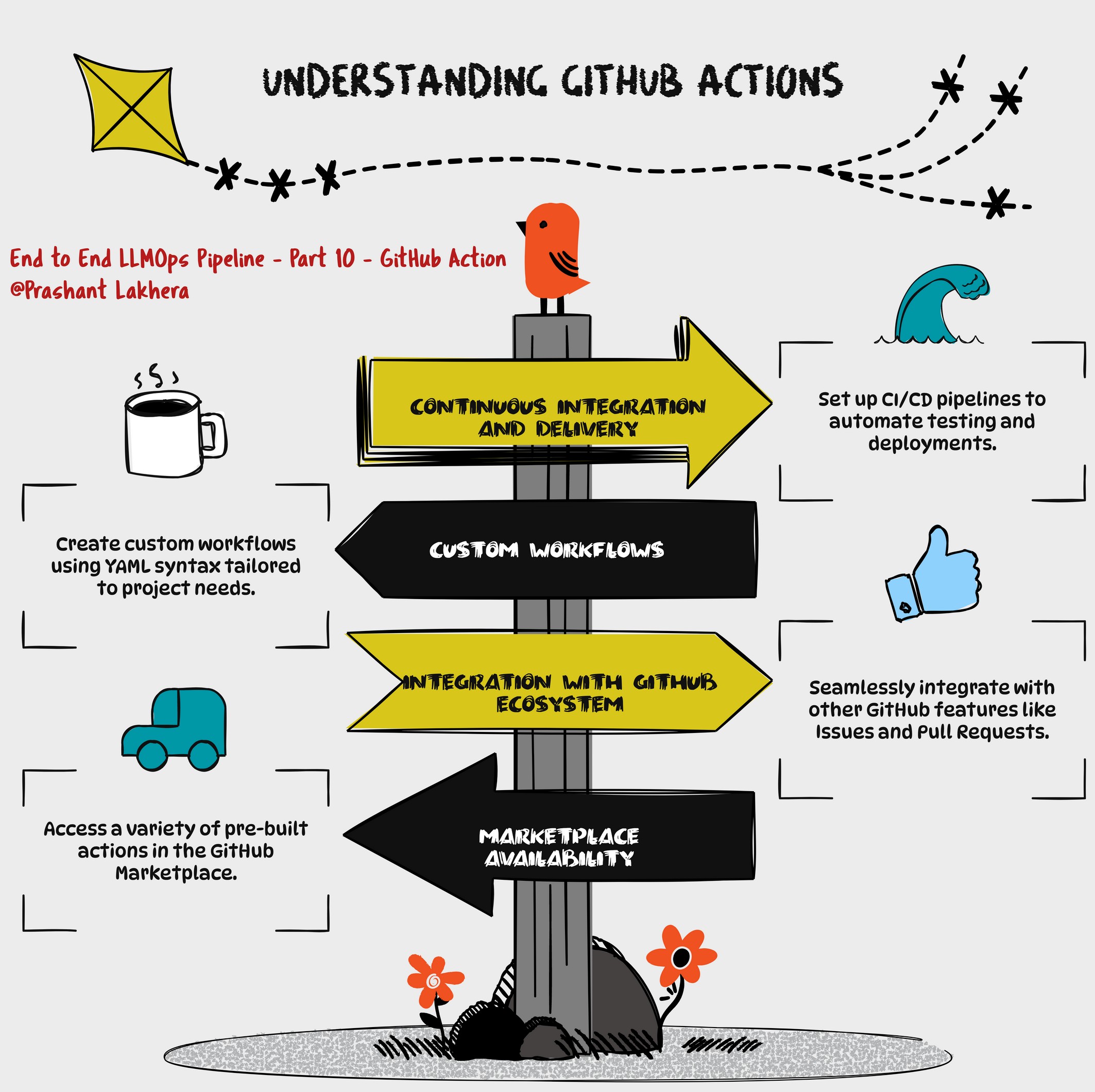
GitHub Actions
This GitHub Actions workflow automates the process of building, scanning, publishing a Docker image to Amazon ECR, and deploying it to an Amazon EKS cluster.
Workflow Overview
- Name: CI/CD Pipeline for EKS Deployment
- Triggers:
- Runs on push events to the
mainbranch. - Runs on pull requests targeting the
mainbranch.
- Runs on push events to the
Environment Variables
The env section defines environment variables that are used throughout the workflow:
- AWS_REGION: AWS region where the ECR repository and EKS cluster are located.
- ECR_REPOSITORY: Name of the ECR repository.
- EKS_CLUSTER_NAME: Name of the EKS cluster.
- DEPLOYMENT_NAME: Name of the Kubernetes deployment.
- IMAGE: Name of the Docker image.
Job: Build, Scan, Publish, and Deploy
This job runs on an ubuntu-latest runner and is responsible for the entire CI/CD process. It runs in the production environment.
Steps
-
Checkout the Code
- name: Checkout uses: actions/checkout@v2- This step checks out the repository’s code, making it available for subsequent steps.
-
Configure AWS Credentials
- name: Configure AWS credentials uses: aws-actions/configure-aws-credentials@v1 with: aws-access-key-id: $ aws-secret-access-key: $ aws-region: $- This step configures the AWS credentials required to interact with AWS services like ECR and EKS.
-
Login to Amazon ECR
- name: Login to Amazon ECR id: login-ecr run: | aws ecr get-login-password --region $AWS_REGION | docker login --username AWS --password-stdin $.dkr.ecr.$AWS_REGION.amazonaws.com- This step logs in to the Amazon ECR registry using AWS CLI. The login credentials are passed securely using the
--password-stdinoption.
- This step logs in to the Amazon ECR registry using AWS CLI. The login credentials are passed securely using the
-
Build Docker Image
- name: Build Docker image run: | docker build -t $ECR_REPOSITORY:$GITHUB_SHA . docker tag $ECR_REPOSITORY:$GITHUB_SHA $.dkr.ecr.$AWS_REGION.amazonaws.com/$ECR_REPOSITORY:$GITHUB_SHA- This step builds a Docker image from the checked-out code and tags it with the GitHub SHA for traceability.
-
Install Trivy
- name: Install Trivy run: | curl -sfL https://raw.githubusercontent.com/aquasecurity/trivy/main/contrib/install.sh | sudo sh -s -- -b /usr/local/bin- This step installs Trivy, a security scanner for Docker images.
-
Clean Up Disk Space
- name: Clean up disk space run: | sudo rm -rf /var/lib/apt/lists/* sudo apt-get clean- This step cleans up disk space to ensure that the runner has enough free space for subsequent operations.
-
Scan Docker Image with Trivy
- name: Scan Docker image with Trivy run: | trivy image --severity HIGH,CRITICAL $ECR_REPOSITORY:$GITHUB_SHA- This step scans the Docker image for vulnerabilities with high and critical severity using Trivy.
-
Push Docker Image to Amazon ECR
- name: Push Docker image to Amazon ECR run: | docker push $.dkr.ecr.$AWS_REGION.amazonaws.com/$ECR_REPOSITORY:$GITHUB_SHA- This step pushes the Docker image to the Amazon ECR repository.
-
Setup kubectl
- name: Setup kubectl run: | curl -o kubectl https://amazon-eks.s3.us-west-2.amazonaws.com/1.21.13/2022-06-08/bin/linux/amd64/kubectl chmod +x ./kubectl mkdir -p $HOME/bin && cp ./kubectl $HOME/bin/kubectl && export PATH=$HOME/bin:$PATH echo 'export PATH=$HOME/bin:$PATH' >> ~/.bashrc- This step installs
kubectl, the Kubernetes command-line tool, and configures the system path to include it.
- This step installs
-
Set up Kustomize
- name: Set up Kustomize run: | curl -s "https://raw.githubusercontent.com/kubernetes-sigs/kustomize/master/hack/install_kustomize.sh" | bash chmod u+x kustomize sudo mv kustomize /usr/local/bin/kustomize- This step installs Kustomize, a tool for customizing Kubernetes YAML configurations.
-
Update kubeconfig
- name: Update kubeconfig run: | aws eks update-kubeconfig --name $EKS_CLUSTER_NAME --region $AWS_REGION- This step updates the kubeconfig file to allow
kubectlto interact with the EKS cluster.
- This step updates the kubeconfig file to allow
-
Install kube-score
- name: Install kube-score run: | curl -L -o kube-score https://github.com/zegl/kube-score/releases/download/v1.11.0/kube-score_1.11.0_linux_amd64 chmod +x kube-score sudo mv kube-score /usr/local/bin/- This step installs kube-score, a tool that validates Kubernetes manifests for best practices.
-
Lint Kubernetes Manifests with kube-score
- name: Lint Kubernetes manifests with kube-score continue-on-error: true run: | kube-score score --output-format ci deploy.yaml- This step lints the Kubernetes manifests using kube-score. The
continue-on-errorflag allows the workflow to proceed even if this step fails.
- This step lints the Kubernetes manifests using kube-score. The
-
Deploy with Kustomize
- name: Deploy with Kustomize
  run: |
    kustomize edit set image image_name=$.dkr.ecr.$AWS_REGION.amazonaws.com/$ECR_REPOSITORY:$GITHUB_SHA
    kustomize build . | kubectl apply -f -
    kubectl rollout status deployment/$DEPLOYMENT_NAME
    kubectl get services -o wide
-This step uses Kustomize to update the image in the Kubernetes manifests, builds the final manifests, and deploys them to the EKS cluster. It also checks the status of the deployment and lists the services.