Deploying and Managing Kubernetes Clusters with AWS EKS
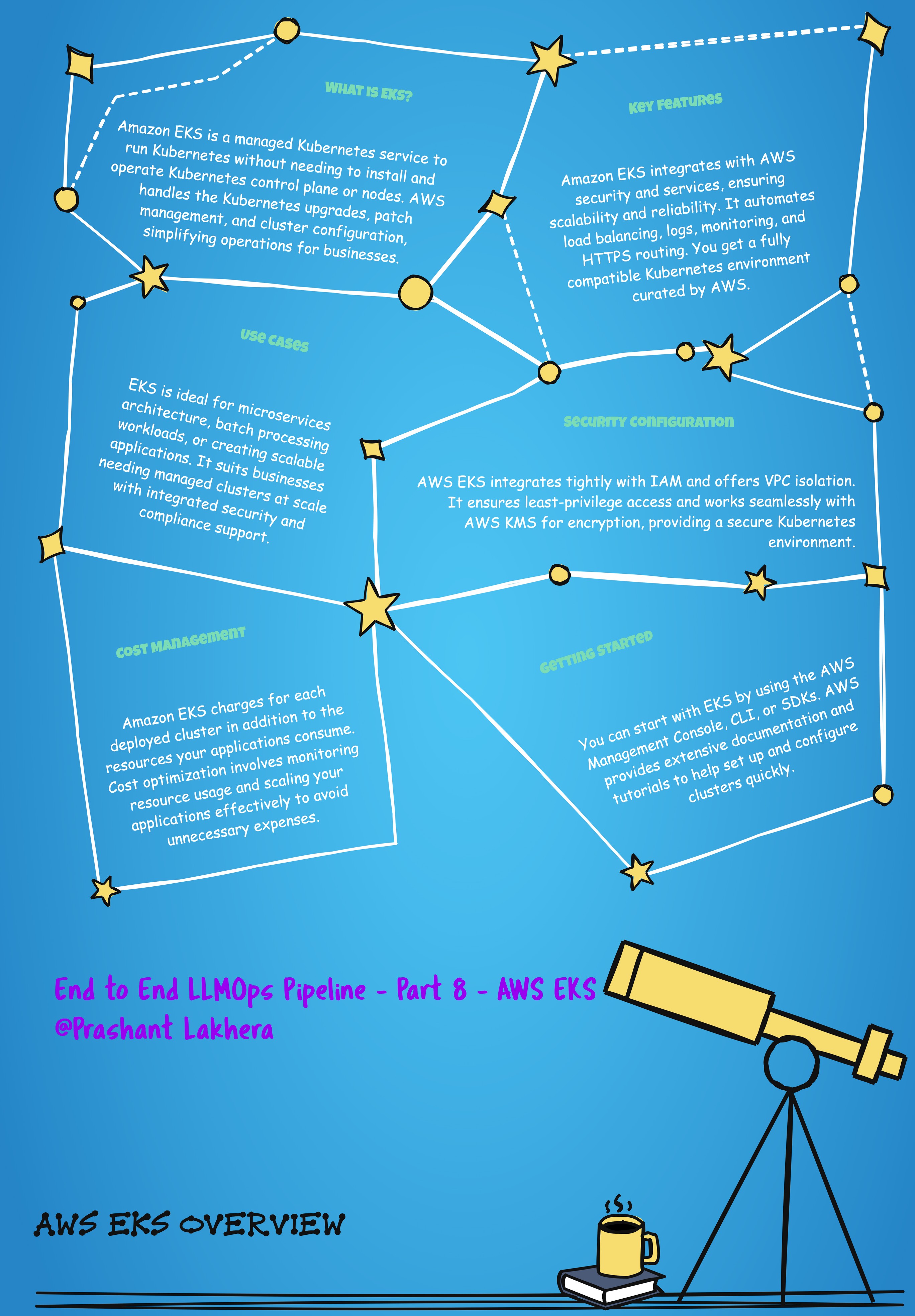
AWS Elastic Kubernetes Service (EKS) is a fully managed Kubernetes service that simplifies the process of running Kubernetes on AWS. EKS provides highly available and secure clusters that are integrated with AWS services, making it easier to manage Kubernetes deployments in the cloud.
Setting Up an EKS Cluster
To set up an EKS cluster, you typically follow these steps:
- Create an EKS Cluster: Use the AWS Management Console, AWS CLI, or AWS CloudFormation to create an EKS cluster.
- Configure
kubectl: Ensure thatkubectlis configured to interact with your EKS cluster. - Deploy Kubernetes Resources: Use
kubectlto deploy your Kubernetes resources to the EKS cluster.
Example Command to Configure kubectl
Once your EKS cluster is set up, you need to configure kubectl to connect to it:
aws eks update-kubeconfig --region $AWS_REGION --name $EKS_CLUSTER_NAME
Command Explanation
aws eks update-kubeconfig: This command updates your localkubeconfigfile with the necessary configuration to connect to your EKS cluster.--region $AWS_REGION: Specifies the AWS region where your EKS cluster is running.--name $EKS_CLUSTER_NAME: The name of the EKS cluster you want to connect to. Replace$EKS_CLUSTER_NAMEwith the actual name of your cluster
| ← Previous | Next → |